The right mounting for your Aqara G5
Change the direction of view, mount the camera on a horizontal support or store cables: Choose the bracket after the task at the mounting location.
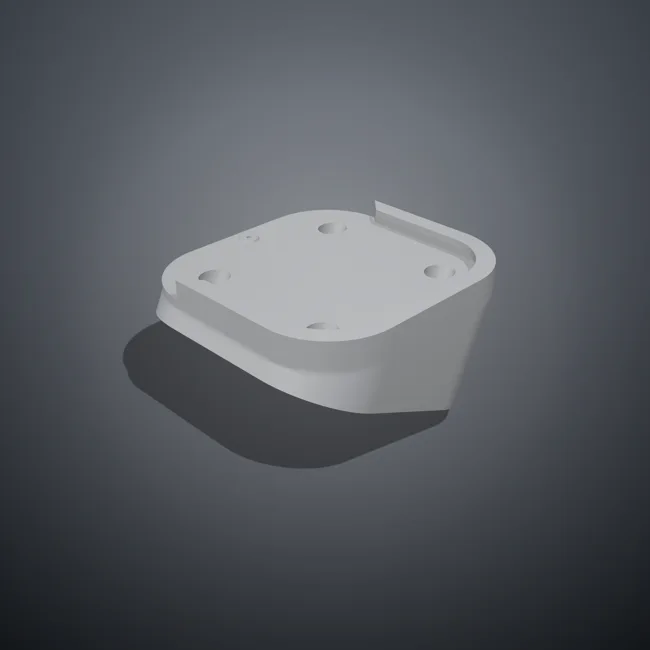
Angle holder: adjust the direction of view
The inclined support aligns the camera with the mounting surface. In the configurator, select the angle and, if available, the orientation. Standard variants can be ordered directly. Additional angles in 5° increments are checked before the offer.
View 25° holder35° and check orientation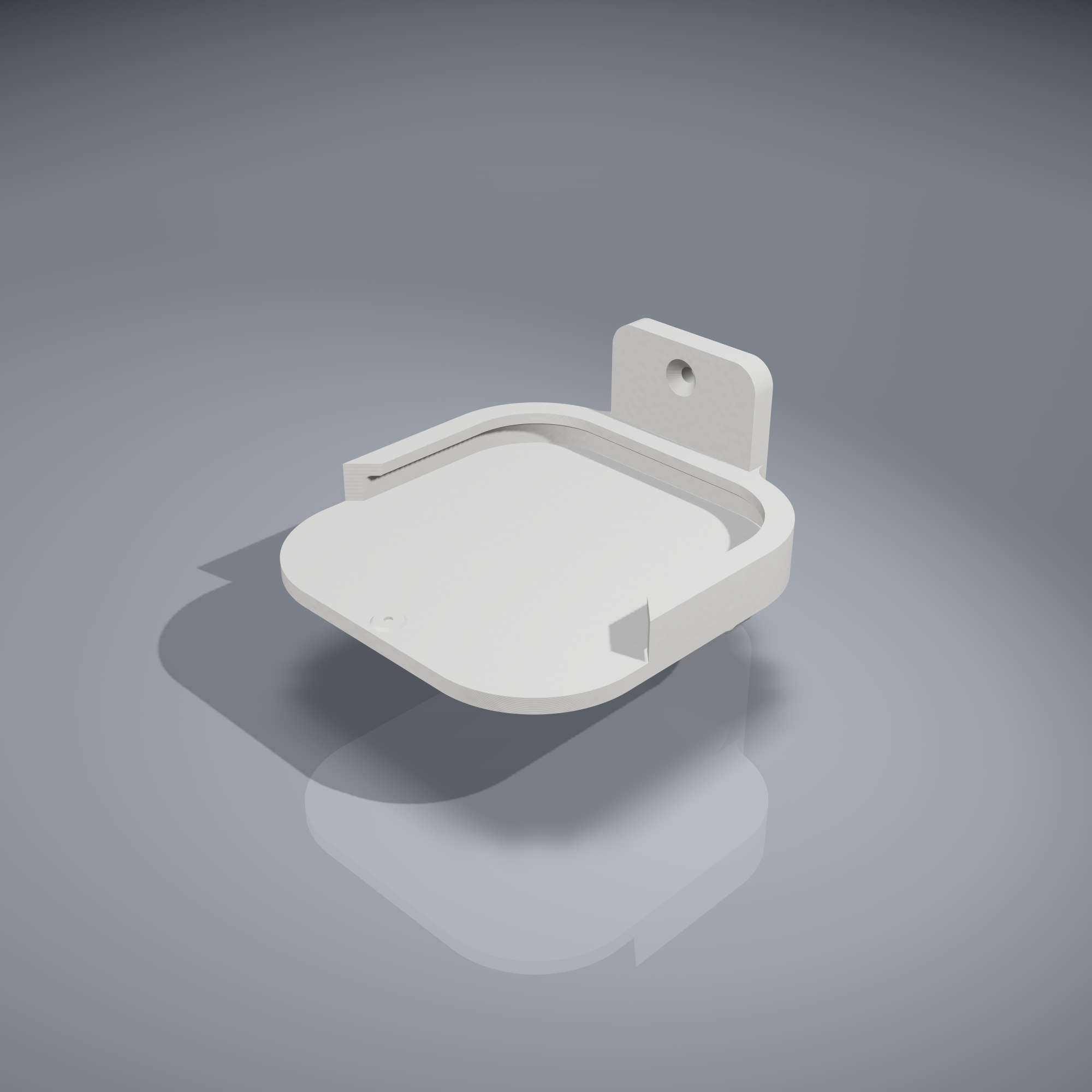
90° wall bracket: a support on the wall
This mount is a unique design with horizontal support for the camera. It is not a 90° version of the wedge holder. The 3D view shows the support and camera base on the wall.
View 90° wall bracketOrganize cables and plugs
The cable box creates space behind the camera. Before selecting, measure the plug and the required bending radius. In the configurator you can check the enclosure height and an additional side cable entry. Standard openings are preserved. Custom heights and holes are considered as custom-made.
Configure cable boxCheck before assembly
- Check the camera base and space required at the mounting location. Hide the camera in the 3D model to see brackets and measurement lines.
- Check the direction of view and the free space for cables. An angle alone does not guarantee a specific field of view.
- Choose fasteners that match the wall material. Camera and mounting materials are only included if the respective product description explicitly mentions them.